
Receipt QR Automation
Every receipt is another chance to connect.
Take your marketing home with every customer. ClearLine adds a Smart Page QR code to printed receipts, so customers can reconnect after they leave the store. A scan opens your Smart Page, where customers can join your loyalty program, claim digital coupons, leave a review, discover offers, or take other actions you enable.
Automatic receipt QR codes: On supported integrated POS systems and payment terminals running the ClearLine app, a QR code can be inserted automatically into the receipt workflow when the relevant integration and receipt-printing capabilities are enabled.
Merchant-added receipt QR image: If your POS allows custom images in its receipt template, download your ClearLine QR code image and add it to the receipt layout yourself—no automatic integration required.
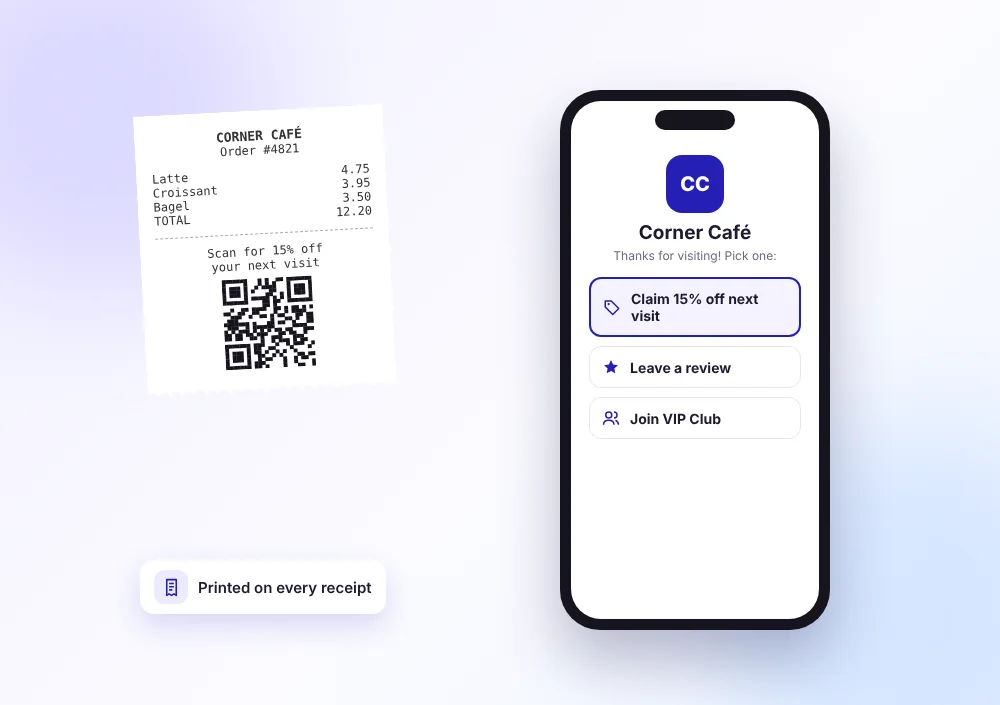
- Automatic QR insertion on supported POS systems and terminals
- Manual QR image option for POS receipt templates
- Connects customers to your Smart Page after they leave
- Drives loyalty enrollment, coupons, reviews and offers
Receipts go home with your customers. A ClearLine QR code turns each one into a path back to your business—to join your loyalty program, claim a digital coupon, leave a review, or see your latest offers.
Automatic insertion depends on the specific POS, terminal, receipt format, and integration. Manual insertion requires receipt-template image support in your POS.
A few ways businesses put it to work.
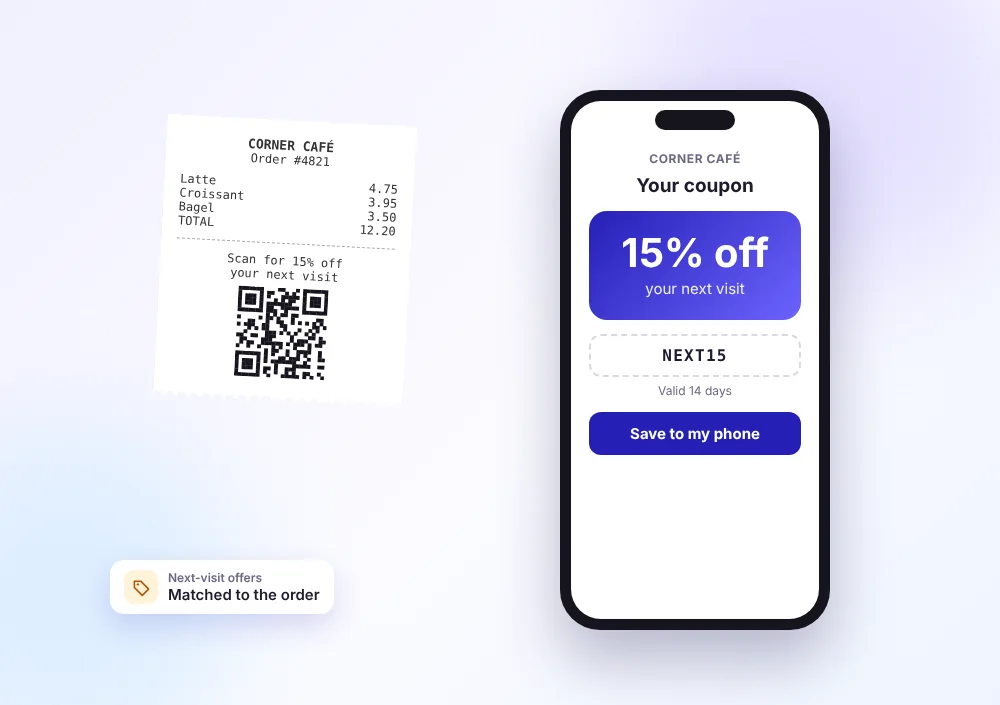
Invite customers to come back by linking the receipt QR code to a digital coupon or offer on your Smart Page. Customers can claim it on their phone and redeem it on a future visit, according to your coupon rules.
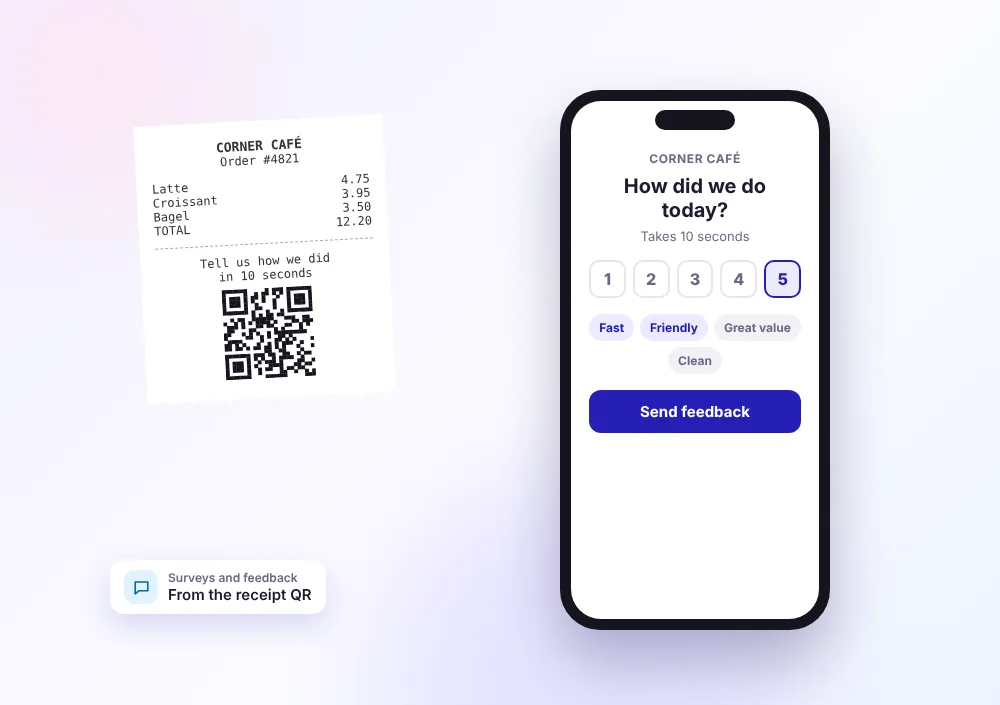
Use the receipt QR code to open a review request or short survey from your Smart Page, so you hear how the visit went after the customer leaves.
Get the latest insights on in-store marketing, POS integration, and ClearLine updates.