
ClearLine for Clover: Full Two-Way Marketing Integration
Engage customers on screen, on the receipt and after they leave, all from your Clover POS.
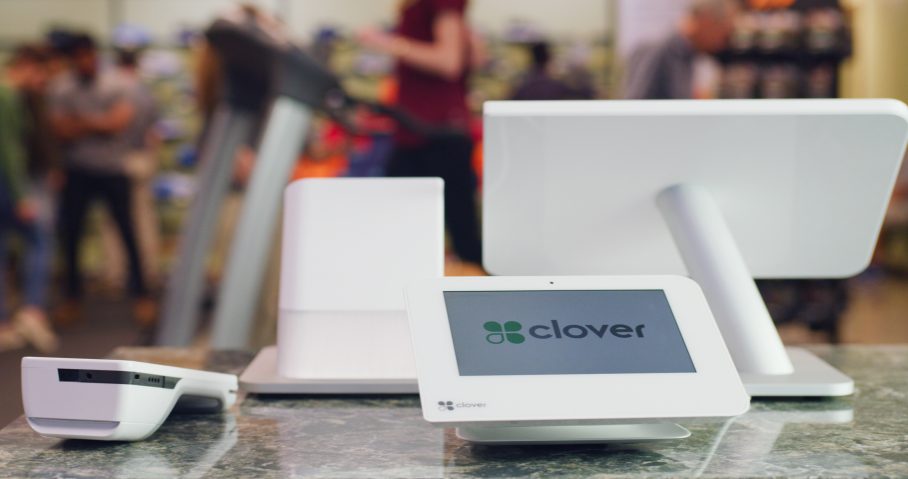
ClearLine is a full two-way integration with Clover. It syncs your Clover data into ClearLine and runs marketing directly on your Clover devices: on the customer-facing screen, on printed receipts and in automated follow-up campaigns. It works across Clover POS models, and you manage it all from one dashboard.
1. On-Screen Marketing Automation
Turn the moment right after payment into your best marketing moment.
- Show a branded thank-you screen with a QR code on the Clover customer-facing display after every payment.
- Invite customers to leave a review, join your VIP Club, claim a coupon, follow you on social media and more.
- Collect customer phone numbers and marketing consent right on the customer-facing screen.
- Make the QR code and its action specific to the transaction, based on order content and customer details.
2. Receipt Marketing Automation
Every receipt becomes another chance to bring customers back.
- Print marketing QR codes on Clover receipts automatically.
- Use the same QR as the screen, or a different one for each touchpoint.
- Every QR opens a turnkey smart landing page for reviews, VIP sign-ups, coupons, loyalty or any custom destination.
- Track scans and conversions from every receipt.
3. Marketing Screen Management
Control what customers see on your Clover screens, from one place.
- Manage slides, promotions and offers on the customer-facing display.
- Control content for every location from one dashboard, or manage it per device.
- Schedule promotions and update content anytime without touching each device.
4. Two-Way Data Sync and Follow-Up Campaigns
ClearLine combines your Clover data with the customer data and consent it collects, so you can keep engaging customers after they leave the store.
- Sync customers, transactions, discounts and products from Clover into ClearLine.
- Run automated SMS, email and push campaigns, including welcome, birthday, follow-up and win-back messages.
- Issue and redeem digital coupons and loyalty rewards tied to real purchases.
- Reach only customers who have opted in to SMS marketing.
What You Get With Clover
| Capability | What It Does |
|---|---|
| On-screen marketing | Thank-you screen with QR, consent and phone number capture after payment |
| Receipt marketing | QR codes on printed receipts linked to smart landing pages |
| Screen management | Manage customer-facing display content for all locations or per device |
| Data sync | Customers, transactions, discounts and products synced from Clover |
| Automation | SMS, email and push campaigns, coupons, loyalty and win-back |
Getting Started
Connecting Clover POS to ClearLine takes just a few steps:
- Create your ClearLine account with any Engage plan.
- Connect your POS by selecting Clover POS in the ClearLine POS Marketplace.
- Start engaging customers by choosing your marketing, coupon and loyalty tools.
ClearLine: Connect. Engage. Reward. Grow.