
POS & Terminal Integrations
Connect Your POS. Turn Every Checkout Into Customer Engagement.
ClearLine connects supported POS systems and payment terminals to customer engagement tools—helping merchants capture customer relationships, deliver relevant offers, build loyalty, and bring shoppers back. Use POS data sync, terminal engagement, or both, depending on your setup.
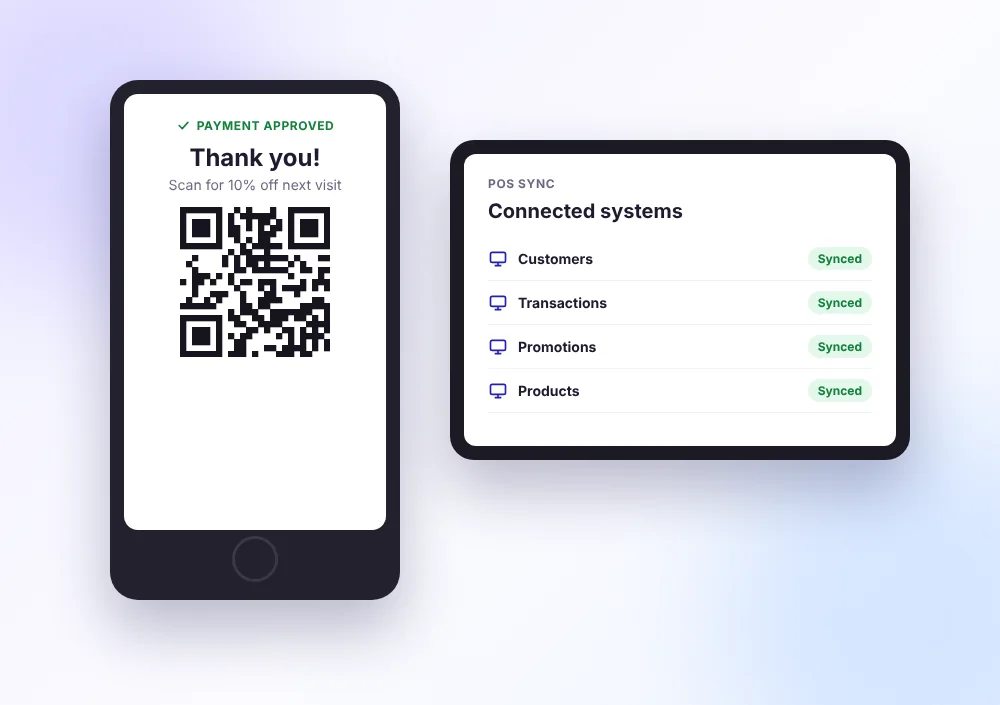
- Choose your connection
- Configure your customer experience
- Engage at checkout and afterward
- Automate follow-up
ClearLine offers POS data synchronization and payment terminal engagement as distinct but complementary capabilities.
These are separate capabilities: a merchant may use terminal engagement without POS data sync, or POS data sync without a ClearLine-enabled payment terminal.
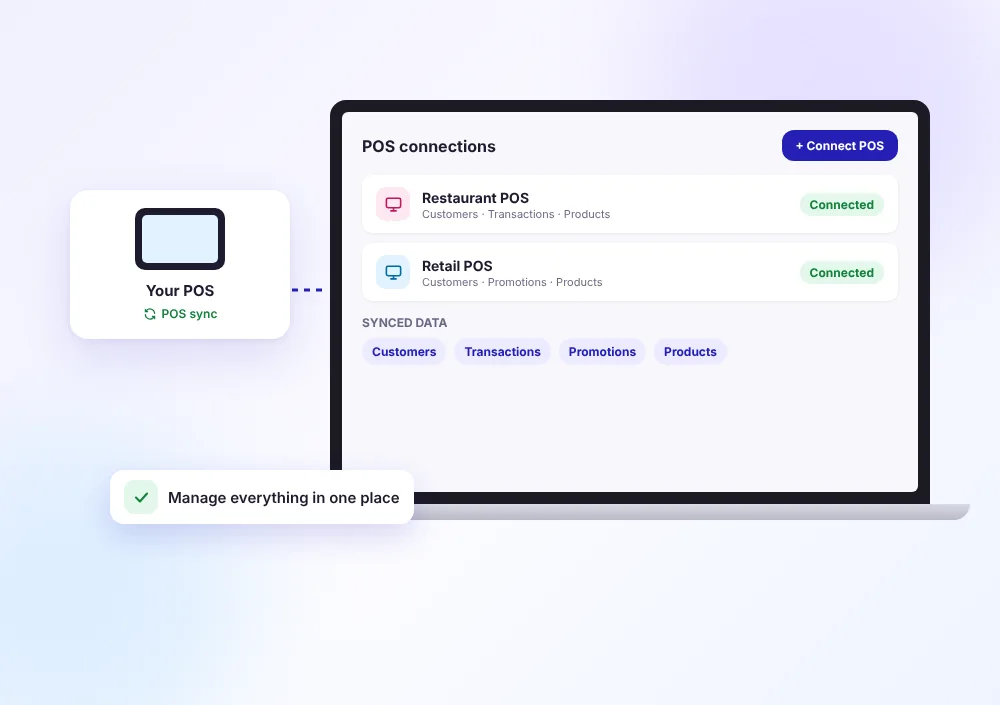
Connect supported POS platforms to keep key merchant data flowing into ClearLine. Depending on the integration and permissions available, ClearLine can synchronize customers, transactions, discounts, and product catalogs to support targeted outreach and loyalty workflows.
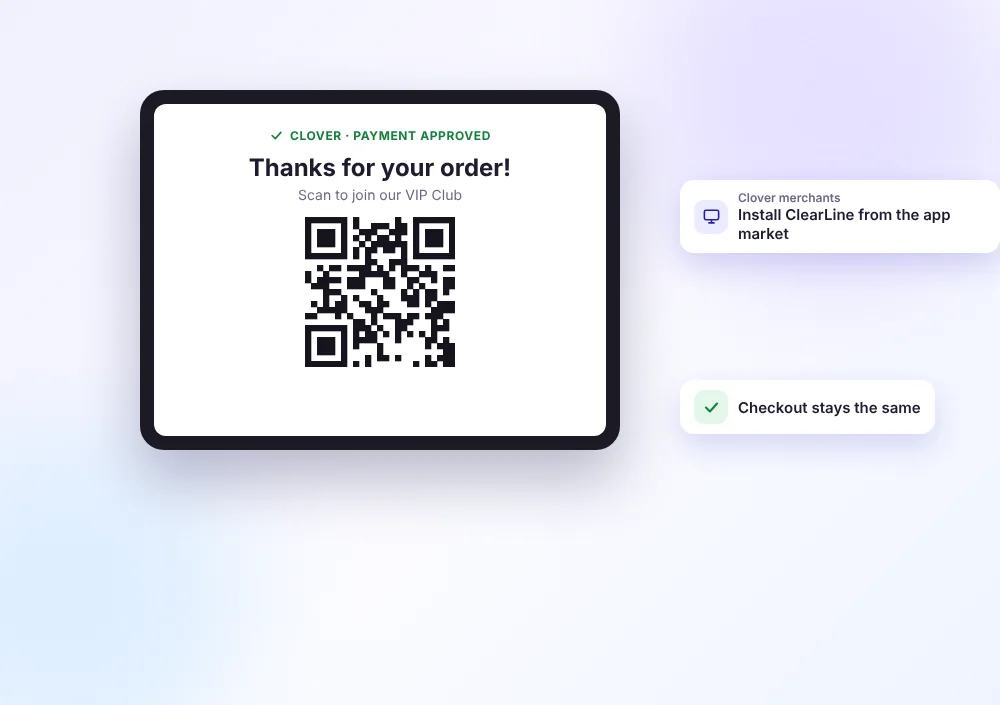
Run ClearLine engagement experiences on supported payment terminals or customer-facing displays. Show promotional content before or after payment, invite customers to scan a QR code, and guide them to a branded Smart Page for reviews, loyalty, offers, and other actions.
Available experiences vary by device, payment application, and deployment mode.
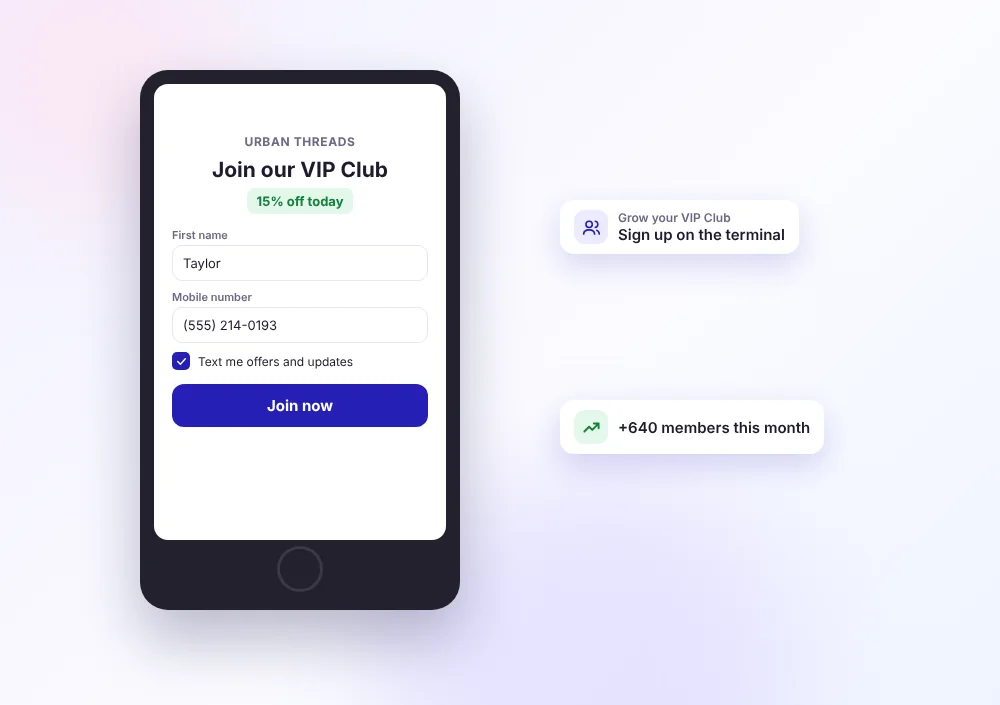
Customers: Build and maintain customer profiles to support consent-based SMS and email outreach, segmentation, and customer recognition.
Transactions: Use available order history and purchase activity to support loyalty, win-back, and relevant follow-up campaigns.
Discounts: Coordinate digital coupon and promotion workflows where the POS integration supports discount creation, synchronization, or redemption.
Product catalog: Use product information for more relevant customer segments, campaign targeting, and merchandising experiences.
Supported data types and synchronization direction vary by POS connector.
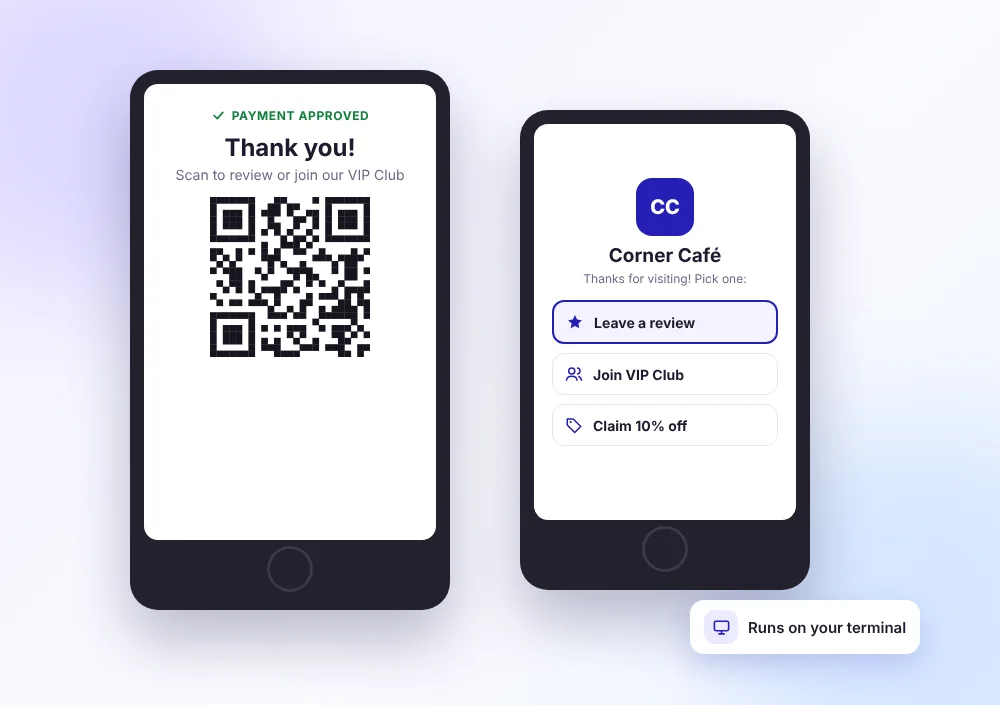
Receipt QR marketing — take your engagement home
Add a ClearLine QR code to a printed or digital receipt so customers can reconnect after leaving the store. A scan can open the merchant’s Smart Page, where customers can discover offers, join a loyalty program, leave a review, or access other enabled experiences.
Automatic receipt QR codes: On supported integrated POS systems and payment terminals with the ClearLine app, receipt QR codes can be inserted automatically when the relevant integration and receipt-printing capabilities are enabled.
Merchant-added receipt QR image: If a POS allows custom images in its receipt template, a merchant can download a ClearLine QR code image and add it to the receipt layout without an automatic integration.
Automatic insertion depends on the specific POS, terminal, receipt format, and integration. Manual insertion requires receipt-template image support in the merchant’s POS.
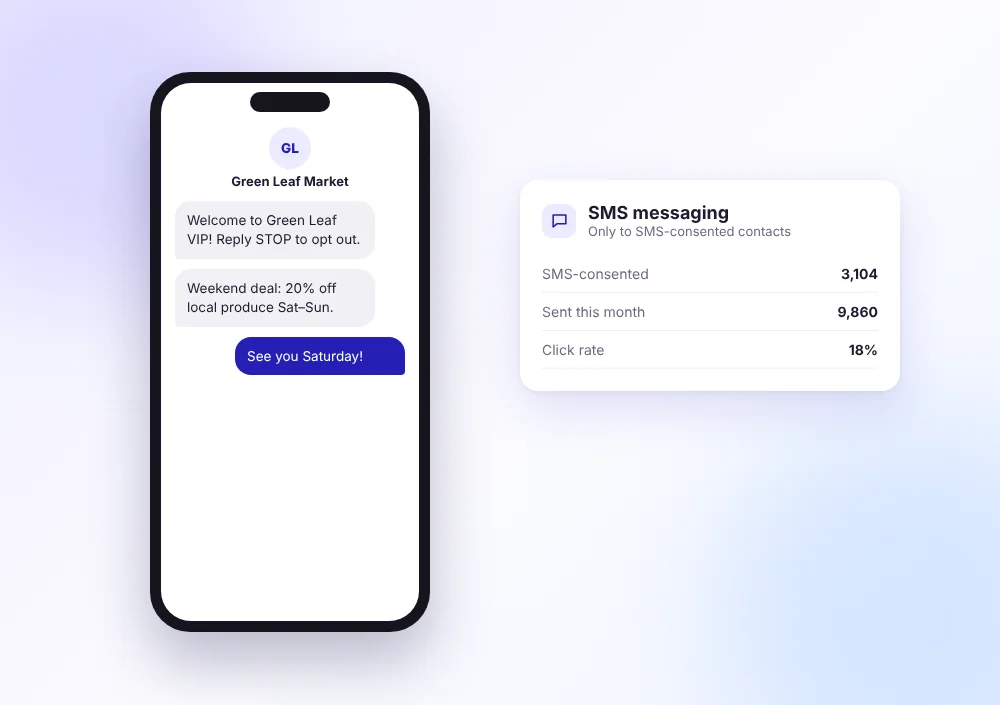
With ClearLine, checkout engagement can continue beyond the transaction. Invite customers to a Smart Page, collect marketing consent where required, and use available customer and transaction data to power relevant follow-ups.
- SMS and email marketing: send permission-based messages and automated follow-ups.
- Loyalty and rewards: recognize activity and invite customers to earn or redeem rewards.
- Digital coupons: publish offers and distribute them through supported customer touchpoints.
- Win-back campaigns: reconnect with customers based on available activity and configured rules.
- Smart Pages: provide a branded destination for reviews, social links, surveys, loyalty, coupons, and appointments.
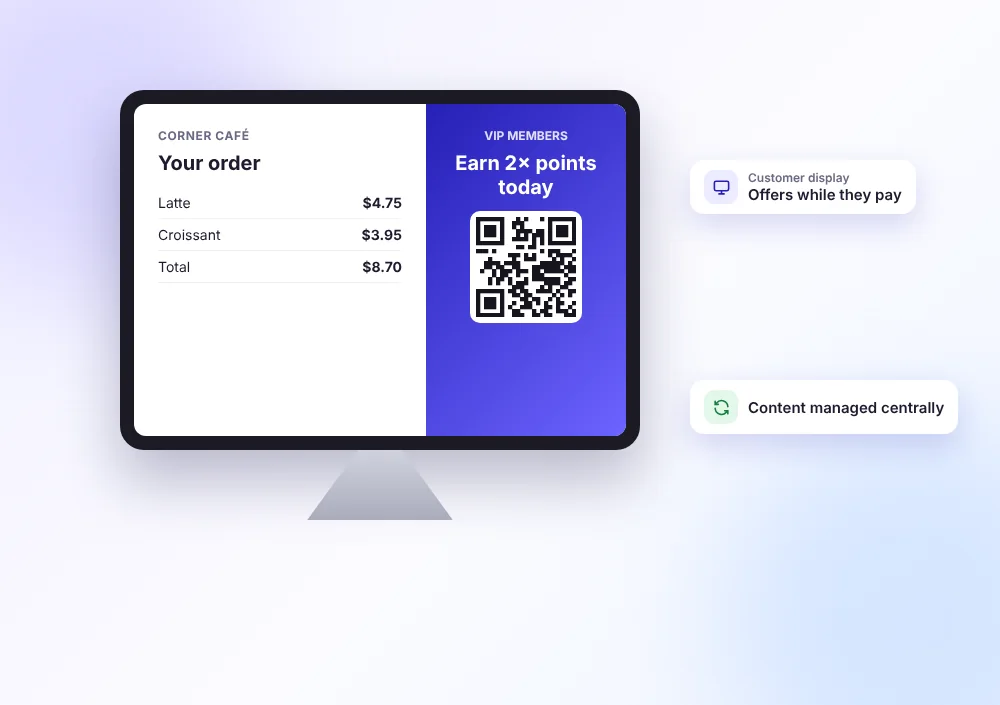
Supported environments may include Lightspeed Retail X, Lightspeed Retail R, Square, and Shopify POS for data connections, plus selected PAX, Clover, Landi, and other compatible payment devices for on-device engagement.
Integration scope and availability vary by platform. Contact us to confirm support for your system.
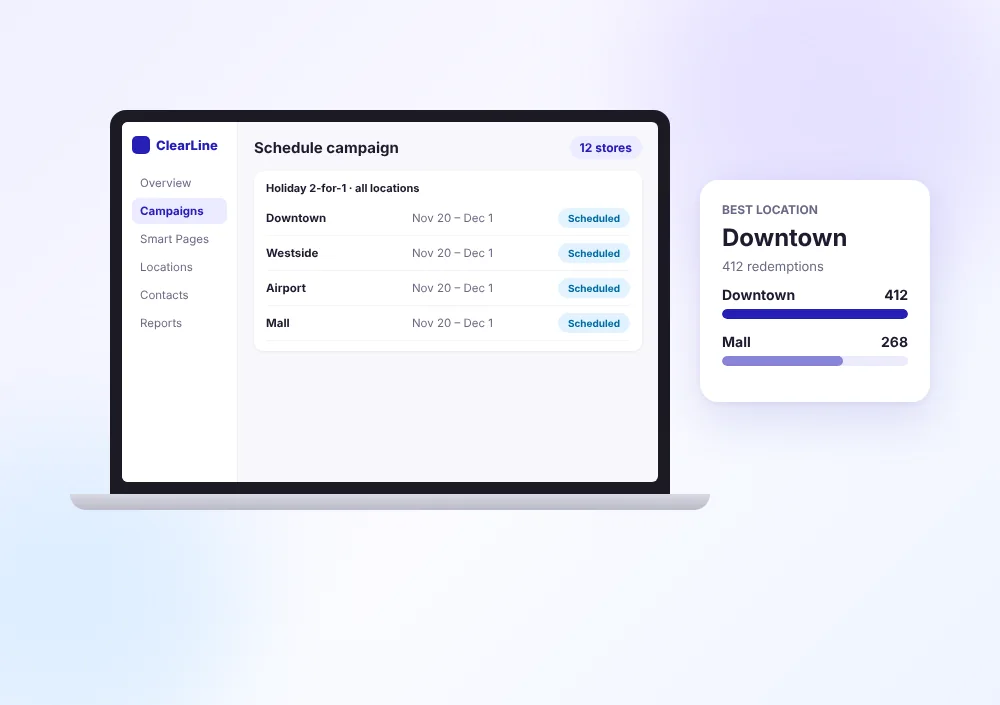
1. Choose your connection: Select POS data sync, terminal engagement, receipt QR marketing, or a combination.
2. Configure your customer experience: Set up your branded Smart Page, offers, loyalty program, and optional display content.
3. Engage at checkout and afterward: Show on-device prompts, place QR codes on receipts, and invite customers to connect.
4. Automate follow-up: Use consent and available activity data to trigger targeted messages, offers, and loyalty experiences.
No. ClearLine is designed to work alongside supported POS systems. Capabilities depend on the available integration.
No. These are independent options. Use one or combine both for a more connected experience.
Yes, if your POS supports adding custom images to receipt templates. Download your ClearLine QR image and add it using your POS settings.
Not necessarily. The supported data types and synchronization direction vary by connector.
ClearLine supports messaging and automation features, subject to plan availability, customer consent, and channel requirements.
Get the latest insights on in-store marketing, POS integration, and ClearLine updates.